IPHONE & IPAD • OFFICIAL APP STORE GUIDE
Traffic Rider for iOS
Your guide to App Store installation, riding modes, bike upgrades, compatibility checks and safer download decisions.
One more ride can turn into ten when you are trying to pass a tricky mission. A missed gap sends you back to the road with a better idea of where to brake next time. That simple loop is a big part of the appeal.
Traffic Rider for iOS brings motorcycle riding to iPhone and iPad through the App Store. You can download the official release for free. Here you will find its current requirements plus installation steps and riding advice. There is also a clear explanation of APK and IPA files so you can avoid choosing the wrong download. For the Android game and its modified-file claims, read our Traffic Rider MOD APK guide.
Is Traffic Rider Available on iPhone and iPad?
Yes. skgames offers an official Apple version for both devices. You do not need an Android emulator or a computer to install it from the App Store.
The app includes ads and optional purchases. You earn cash while riding and use it to buy bikes or improve their performance. Downloading it for free does not mean every item in the garage is unlocked from the start.
Check the developer on the store page before tapping Get. Similar names and motorcycle icons do not prove that another app is the same release.
Current App Store Details
The US App Store details checked on October 14 2026 are:
- Developer: skgames.
- Listed version: 2.10.
- Version release date: December 15 2025.
- Platforms: iPhone and iPad.
- Category: Racing.
- Listed size: 330.7 MB.
- iPhone requirement: iOS 15.0 or later.
- iPad requirement: iPadOS 15.0 or later.
- Price: Free with optional purchases.
These details can change after an update. The listed size is also not a promise of the total space used after installation. Leave extra room for app data and future updates.
Main Features on iOS
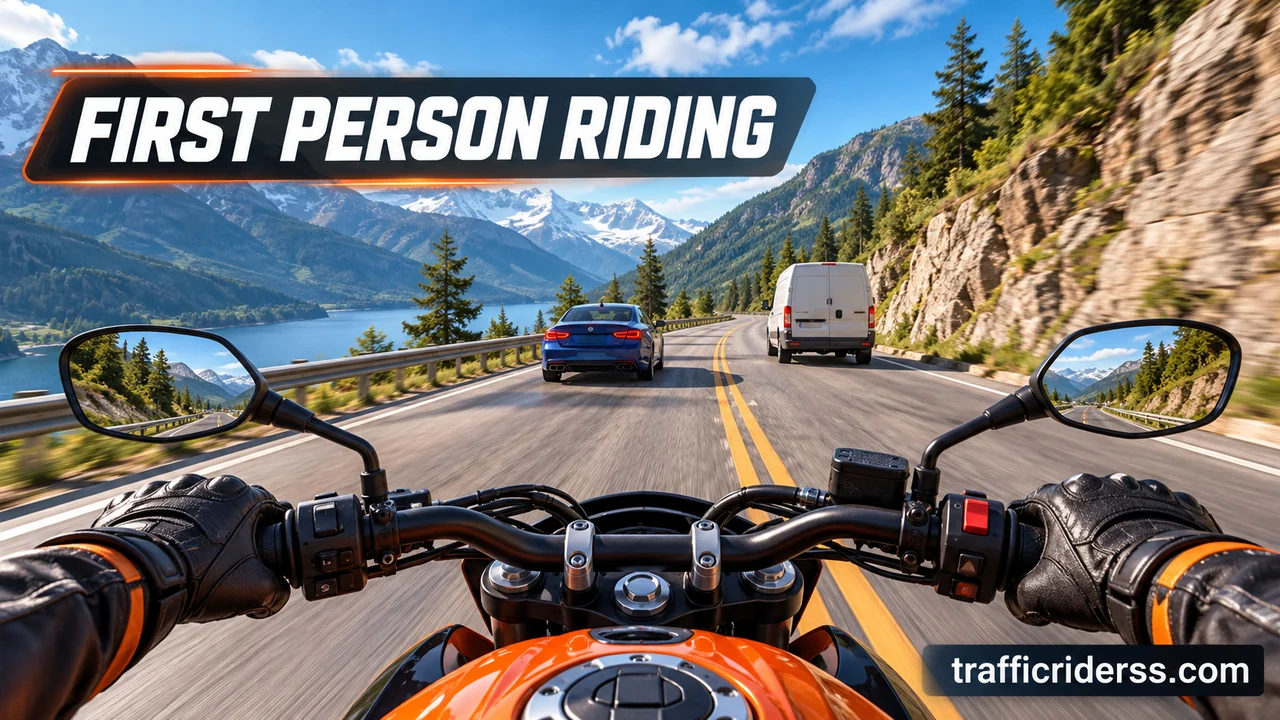
Riding From the Bike Seat
The first person camera places the road directly ahead of you. Instead of watching a bike from behind you judge gaps from the rider’s view. Cars can quickly fill the space in front of the handlebars. Small steering moves help you stay on a clear line. Begin at a pace you can control before trying to pass between closely packed vehicles.
Bikes and Garage Upgrades
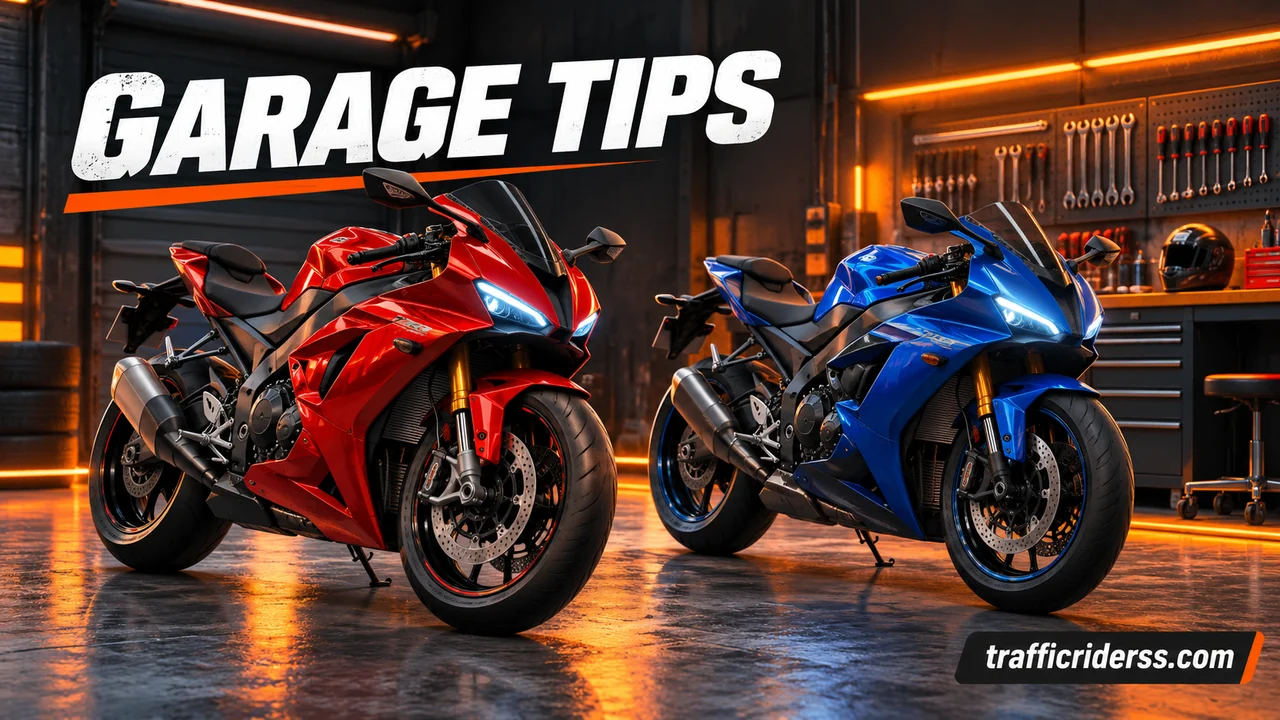
The official listing advertises 34 motorbikes. You buy new models and upgrade them as you earn more cash. A faster bike can help with speed goals but it still needs careful steering. Before spending you should read the garage details and check what an upgrade changes. You may receive better results by fixing a weak part of your current bike first.
Career Missions With Clear Goals
Career mode has 90+ missions in the official description. Each mission gives you a reason to ride beyond simply chasing a long distance. Read the target before starting so you know what counts toward success. If a bike does not meet an entry requirement you may need an upgrade. Before another attempt check the mission details instead of spending cash on upgrades you do not need.
Real Sounds and Changing Scenery
Engine sounds were recorded from real motorcycles. Day and night scenes also give the roads a different look. These details add variety while keeping attention on the vehicles ahead. You can use headphones if you enjoy hearing the engines more clearly. Keep the volume comfortable and watch the road itself because sound alone will not tell you where every gap is opening.
Requirements Before Installing
The current release needs iOS 15.0 or later on iPhone. On iPad it needs iPadOS 15.0 or later. Open Settings and choose General followed by About to check your software version.
Before downlaoding make sure you have:
- A device that meets the software requirement.
- Enough free storage for the app and its data.
- An internet connection for the download.
- Access to your Apple Account when confirmation is needed.
Keeping around 1 GB free is a practical starting suggestion rather than an official storage minimum. A device with very little space may need more room. Check your storage screen instead of assuming that every different iPhone has the same amount available.
How to Download Traffic Rider on iOS
Use the App Store on the device where you want to ride. There is no need to download an APK or approve a developer profile for this method.
- Open the App Store on your iPhone or iPad.
- Search for Traffic Rider.
- Open the result from skgames.
- Check the app details and required software version.
- Tap Get or the cloud download button if shown.
- Confirm with Face ID or Touch ID when prompted.
- Wait for installation to finish.
- Tap Open and review the controls before starting.
Apple may request an account password or another confirmation method. Enter account details only in Apple’s own sign in screens. If you see Open instead of Get the app is already installed.
APK and MOD IPA Downloads Explained
An APK is an Android package. It will not install as an iPhone app. Changing its filename to end in IPA does not convert the software inside.
An IPA is a package used for Apple mobile apps. A manualy installed copy needs a compatible build and a signing method accepted by the device. Finding an IPA online does not prove that it comes from skgames.
Some modified copies claim unlimited money or unlocked bikes. Those claims need testing with the exact file. This guide does not certify any MOD IPA as working or safe. A certificate problem can also stop a manually installed app from opening.
The official App Store method is simpler for normal downloads and updates. You do not need to jailbreak your device to use it.
Controls That Feel Easier to Handle
Get Comfortable With Steering
Start by checking the control options inside the app. If you use tilt steering you should hold the device in a steady position that feels natural. Large movements can make it harder to stay between cars. Try small changes and adjust sensitivity where available. Test one change at a time so you can tell whether it improves your handling or makes steering less predictable.
Practice Braking Before Speed
Learn where the brake sits on the screen before taking a faster bike onto a busy road. Keeping your thumb near the control can make it easier to react. Slow down when the gap ahead starts to close. You do not need to force every overtake. A controlled ride gives you more time to learn traffic movement and finish your current objective.
Tips for Earning Cash
Choose Overtakes You Can Finish
The official tips say that close overtakes above 100 km/h can earn extra points and cash. That reward does not make every narrow gap a good choice. Wait until you can see a clear route past the vehicle. Practice steering first and attempt closer passes later. Keep these actions inside the app because they are not advice for riding on real roads.
Spend With Your Next Goal in Mind
Look at the next mission before using your cash. If the entry rules require a better bike you can save toward that model. If your current ride feels difficult to control you can review its upgrade options first. Keep a separate plan for garage spending rather than buying every item as soon as it appears. Your next purchase should help solve the problem you actually face.
Playing on iPhone or iPad
An iPhone is easier to hold for short rides. An iPad offers a larger picture that may make traffic easier to follow. The larger screen does not automatically make steering better though. Holding a bigger device while tilting can take more effort.
Try a comfortable grip and keep the controls within reach. A supported device can still perform differently depending on its age and temperature. There is no promise that every iPhone or iPad will hold the same frame rate.
Updating Through the App Store
For manual updates open the App Store and tap your account photo. Choose App Updates if that option appears. Find the title and tap Update. The layout can differ on older software versions so look for the available updates list.
Version 2.10 lists bug fixes and improvements. Earlier version 2.0 notes introduced daily quests and mission progress rewards. These are official update items rather than MOD features.
Check the release notes before expecting a new bike or mode. A new version number alone does not tell you how much content changed.
Common Problems and Fixes
The Download Will Not Finish
Check your connection and free storage first. Restart the device if the download stays stuck. If Apple shows a billing or verification message you should resolve that account issue through its settings. A free app can still require a valid payment method on the account. Avoid deleting other important apps or saved files until you know which error is blocking the download.
The App Closes After Opening
Close the unresponsive app and open it again. Next restart the device and check for app udpates. Review available iOS updates too. Deleting and reinstalling can be a later step but it may erase data stored inside the app. Protect your progress before doing that. If the problem keeps returning you can contact the developer through the App Store support details.
Riding Becomes Slow or the Device Gets Hot
Take a break if the phone or tablet feels too warm. Move it out of direct sunlight and let it cool before another session. Heat can reduce performance. Check whether Low Power Mode is limiting the device as well. Do not expect a graphics setting to fix every slowdown. Available storage and the condition of the device can also affect how smoothly apps run.
Game Center and Saved Progress
The App Store listing shows Game Center support for leaderboards and achievements. That does not prove that every career save will move automatically to another device.
Apple says progress sharing depends on whether the app supports the needed features. Before changing devices you should check the available account and save options. Keep your old copy until you confirm what appears on the new one. Progress from an Android MOD should not be assumed to transfer to the official iOS release.
Frequently Asked Questions
Is Traffic Rider Free on iPhone?
Yes. The official App Store download is free. It includes advertising and optional purchases that may cost money. You can check purchase details on the store page and inside the app before paying. Prices can differ by region. You do not need to buy an unofficial IPA just to download the normal release on a compatible iPhone or iPad.
Can an Older iPhone Run the Current Version?
That depends on its software support and the App Store compatibility check. The current listing needs iOS 15.0 or later. Check the installed version before downloading. Having the required software does not guarantee the same speed as a newer phone. You can usually judge the experience better after a short ride than by looking only at the device name or age.
Does Game Center Mean Live Multiplayer Racing?
No. Leaderboards and achievements are different from joining a live race with other people. The App Store lists those score features but they should not be treated as proof of real time multiplayer. Read the modes available inside the app before expecting online matches. Internet access is needed for connected services even when a riding mode itself does not use them.
Conclusion
Give yourself a few rides to learn the controls before spending heavily in the garage. A steady line through traffic is often more useful than buying the fastest bike straight away.
For an easy start use the official App Store release and check that your device meets its current requirements. Keep updates and saved progress in mind. Then choose the screen and control setup that make each ride comfortable. If you prefer Windows, our guide to Traffic Rider for PC covers Android emulators and keyboard controls.

One Comment